
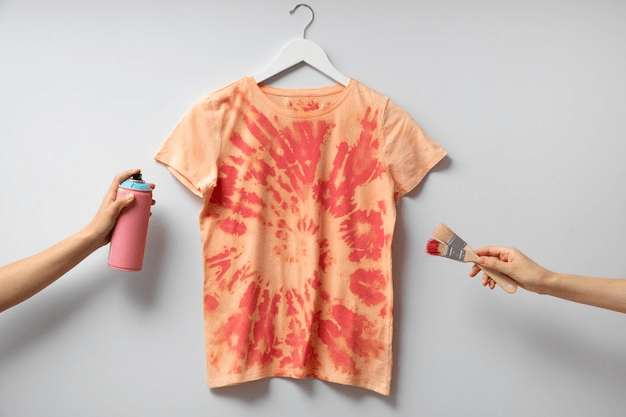
In a world where personal style and expression are more important than ever, having a T-shirt that speaks to your unique identity or carries a personal message can make all the difference. Whether it’s for a personal gift, a team event, or just to show off your creative flair, LP Soul’s design tool allows you to create custom T-shirts that are truly one-of-a-kind. Here’s a step-by-step guide on how to use this versatile tool to unleash your creativity.
Step 1: Choose Your T-shirt
Start by selecting the type of T-shirt you want to customize. LP Soul offers a variety of styles and colors, including crew necks, V-necks, and tank tops for both men and women. Choose the one that best suits your design needs and personal taste.
Step 2: Launch the Design Tool
Once you’ve selected your T-shirt, click on the ‘Customize’ button to launch the design tool. This user-friendly interface will be your canvas for creating something truly special. You don’t need any graphic design skills — the tool is intuitive and easy to use for all.
Step 3: Upload Your Design or Use Pre-Existing Art
If you already have a design, logo, or photo, you can upload it directly into the tool. Alternatively, you can use our library of pre-existing graphics and artwork to find elements that resonate with your vision. You can combine multiple elements to create a composite design.
Step 4: Customize Your Design
With your graphic elements in place, you can now manipulate them to fit your vision. Adjust the size, orientation, and position of each element on the T-shirt. You can add text, change colors, or add special effects like shadows or glows to make your design stand out.
Step 5: Experiment with Filters and Effects
Explore the various filters and effects available in the design tool. These can dramatically alter the look and feel of your design, giving it that professional edge or the whimsical charm you’re aiming for.
Step 6: Preview Your T-shirt
Before finalizing your order, use the preview function to see how your design looks on the chosen T-shirt. This feature helps you visualize the final product and make any necessary adjustments to ensure that everything looks perfect.
Step 7: Place Your Order
Once you’re satisfied with your design, select the sizes and quantities you need, then proceed to checkout. Please note that LP Soul currently ships to doorstep addresses exclusively in the US and Canada. We ensure that each T-shirt is printed with the highest quality standards and is ready to make an impression when it arrives at your or your loved one’s door.
Conclusion Creating a custom T-shirt with LP Soul’s design tool is not just about making clothing; it’s about crafting a personal statement that you or your loved ones can proudly wear whether it’s for a special occasion, a business event, or just because, a custom T-shirt can communicate more than words ever could.
So why wait? Unleash your creativity today and start designing a T-shirt that tells your story!

 Print on Demand Cloud
Leave a comment